How to Set Up a Shared Family Calendar for Appointments and Pickups
The simplest way to set up a shared family calendar is to pick one calendar everyone can see, give every event an owner and a location, and hold a short weekly check-in to catch conflicts. Paper wall calendar, phone app or both, the system works when every adult adds events the same way and nobody keeps a “second calendar” in their head.
This post is about organizing only. For anything health-related on the calendar, such as a visit with a doctor, follow your care team’s instructions and use the calendar simply to keep the date, time and place in one spot.
Choose one home base
Families run into trouble when appointments live in three places: a text thread, a fridge calendar and someone’s memory. Pick a single source of truth and make everything else a copy of it.
- Digital calendar: best when several adults are on the move and need alerts. Everyone can add events from their phone.
- Paper wall calendar: best for kids, grandparents and sitters who will not open an app. It is visible without logging in.
- Both: the digital calendar is the master, and one person prints or copies the week onto paper every Sunday.
Whichever you choose, decide who is allowed to add and change events. “Everyone adds, one person tidies” tends to work better than “one person does everything.”
Decide what goes on it
A calendar crowded with everything becomes a calendar nobody reads. Agree on the categories up front.
- Appointments (medical, dental, therapy, vet) with the place and who is taking whom
- School events, early dismissals and no-school days
- Pickups and drop-offs, including who is driving
- Sitter, nanny or respite shifts
- Activities and practices
- Deadlines such as form due dates and bill dates
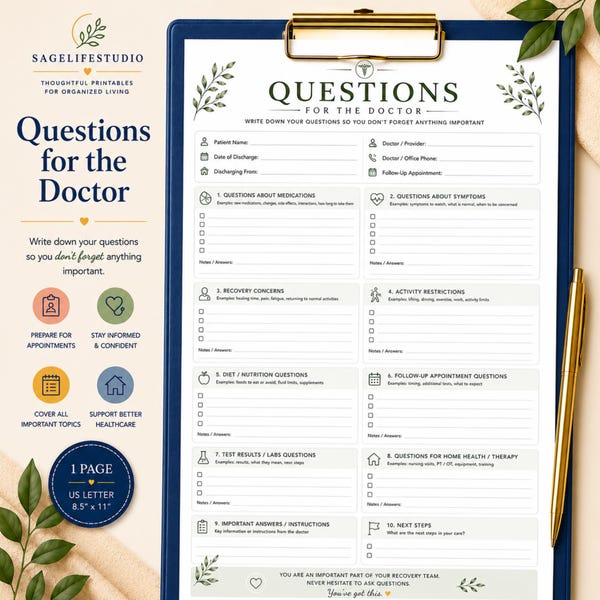
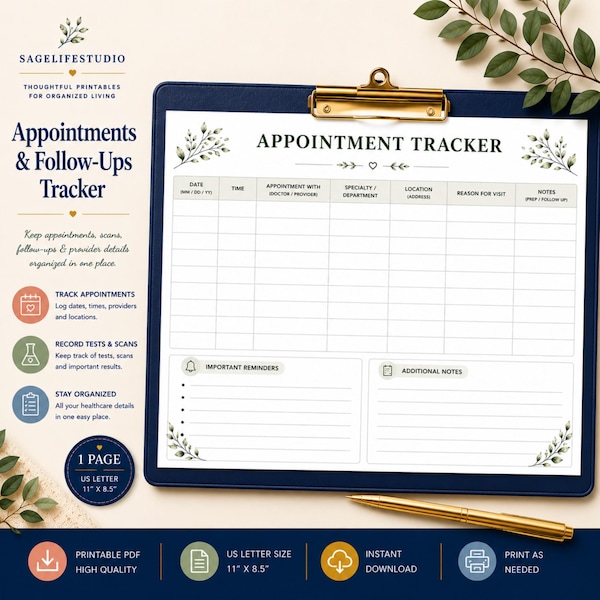
If you already keep a doctor appointment log, the calendar holds the date and the log holds the notes and follow-ups. Do not try to make one tool do both jobs.
Use a simple color and label system
Color helps you scan a week in seconds. Keep it to four or five colors so it stays readable.
| Color | Use it for |
|---|---|
| Blue | Appointments |
| Green | School and pickups |
| Orange | Sitter or caregiver shifts |
| Purple | Activities |
| Red | Hard deadlines |
Then put an owner in every event title, for example “Dentist, Sam (Dad driving).” The owner label answers the question “who has this one?” before anyone has to ask.
Add the details a substitute would need
An event that says only “Pickup 3:15” is useless to a grandparent covering for you. Put the extras in the event notes:
- Exact address and where to park or wait
- Phone number for the office or school
- What to bring: insurance card, forms, water bottle, gym clothes
- Who is authorized to pick up
- What to do if running late
This is the same idea as a babysitter information sheet: write it down once so no one has to call you.
Build in a weekly check-in
Ten minutes on Sunday evening prevents most of the week’s surprises. Walk through the next seven days together and ask:
- Are there two events at the same time?
- Who is driving each pickup, and is there a backup?
- Is a sitter or caregiver booked for every gap?
- Do any appointments need paperwork, forms or records brought along?
- Is anything coming up next week that needs prep this week?
If you share caregiving duties across several relatives, pair the check-in with your plan for splitting caregiving tasks between family members so the calendar reflects who agreed to do what.
Share it with the people who help
Give sitters, nanny, grandparents and other regular helpers view access to the calendar, or send them the printed week. Limit editing to the adults who make decisions. For occasional helpers, a printed page on the fridge and a copy in your sitter binder is often easier than an app invite.
Keep it from falling apart
Calendars fail quietly. A few habits keep yours alive:
- Add events the moment you hear about them, not later.
- Set reminders a day before and an hour before for appointments.
- Delete or update changed events, so the calendar never lies.
- Review monthly for recurring events that no longer apply.
- Keep a backup such as a printed month at the front of your family binder.
Quick checklist
- One master calendar chosen and everyone knows where it is
- Color categories agreed on
- Every event has an owner and a location
- Notes include phone numbers and what to bring
- Weekly check-in scheduled
- Helpers have view access or a printed copy
Frequently asked questions
Ready-made printables to get you started
If you would rather start with finished pages, you can browse printable planners, schedules and family binders on Etsy.
Frequently asked questions
What is the best shared calendar for a family?
The best one is the one every adult will actually open. Most families do well with a free calendar app everyone already has on their phone, plus a printed weekly copy for kids and helpers who do not use it.
How do I get my partner or relatives to use the shared calendar?
Keep it simple, add their events for them at first, and use the weekly check-in to show how it prevents double-booking. People adopt a calendar when it saves them a text.
Should kids be able to see the family calendar?
Usually yes, in a form they can read. A paper wall calendar or a printed week lets children see what is coming up, which many families find cuts down on last-minute surprises.